Microsoft
Get Windows 10 for Free
Microsoft will be launching Windows 10, their newest operating system on 29th July. They offering it as a free upgrade.…
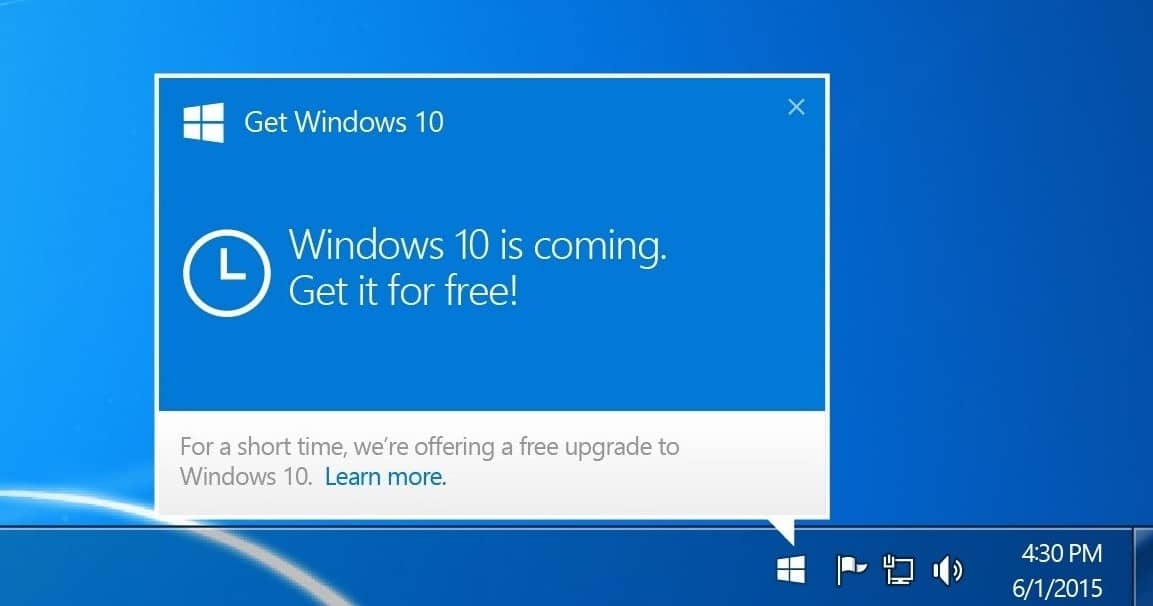
Microsoft will be launching Windows 10, their newest operating system on 29th July. They offering it as a free upgrade. Below are the instructions on how to get windows 10 for free on your PC or Laptop.
Who Can Get It?
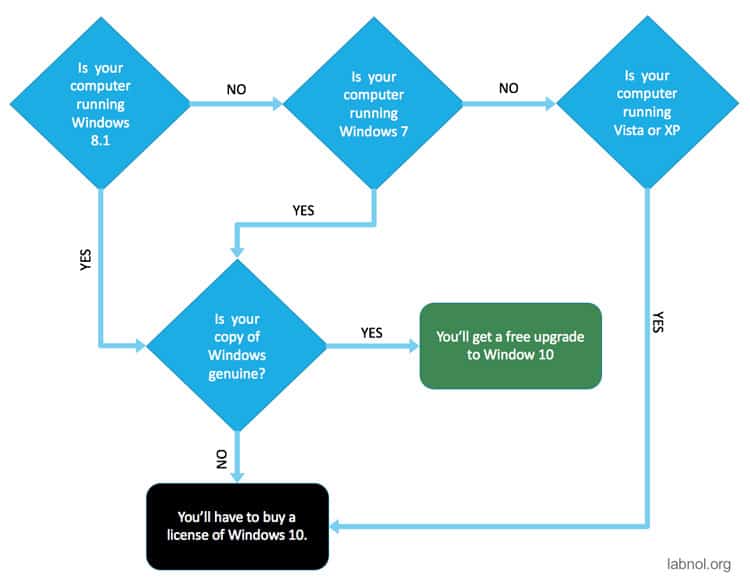
Ok, you are eligible, here is how you can reserve a copy.
1. Reserve
You can reserve your free upgrade in the Get Windows 10 app. Once you reserve, Windows 10 will download when available, and you can cancel your reservation at any time.*
- Click on the small Windows icon found at the right end of the taskbar. If you don’t see it, visit Microsoft’s Q&A page for more info.
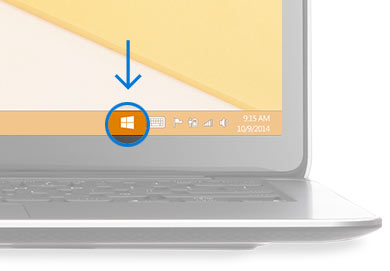
- Click “Reserve your free upgrade” in the app window.
- Enter your email if you want a confirmation of this reservation.
- All set. There’s no obligation and you can cancel your reservation at any time.
2. Install
You’ll get a notification after July 29, 2015 once Windows 10 is downloaded to your device. Install it right away or pick a time that’s good for you.
3. Enjoy
After it’s installed, you have Windows 10 for free on that device.
- #Get Windows 10 for free
Found this useful? Share it.
Related reading

Google4 min read
A Quantum Leap: Willow and Majorana 1
Quantum computing is leaping from science fiction to reality, and no, you don’t need a Starfleet uniform to be part…

Microsoft3 min read
Decoding the Future: Top 5 takeaways from Microsoft Inspire 2023
Microsoft Inspire 2023 has finally wrapped up, and boy, was it a dazzling show of revelations! My previous blog underscored…
Microsoft2 min read
Windows 11, All I Know!
About a month back, on 24th June, Microsoft announced Windows 11, among lot of speculations and debate. It is going…