Tips & Tricks
Setup Cortana in Windows 10
Microsoft’s Cortana is making a jump from Windows Phone to Windows PC. First introduced with Windows Phone 8.1, Cortana is…
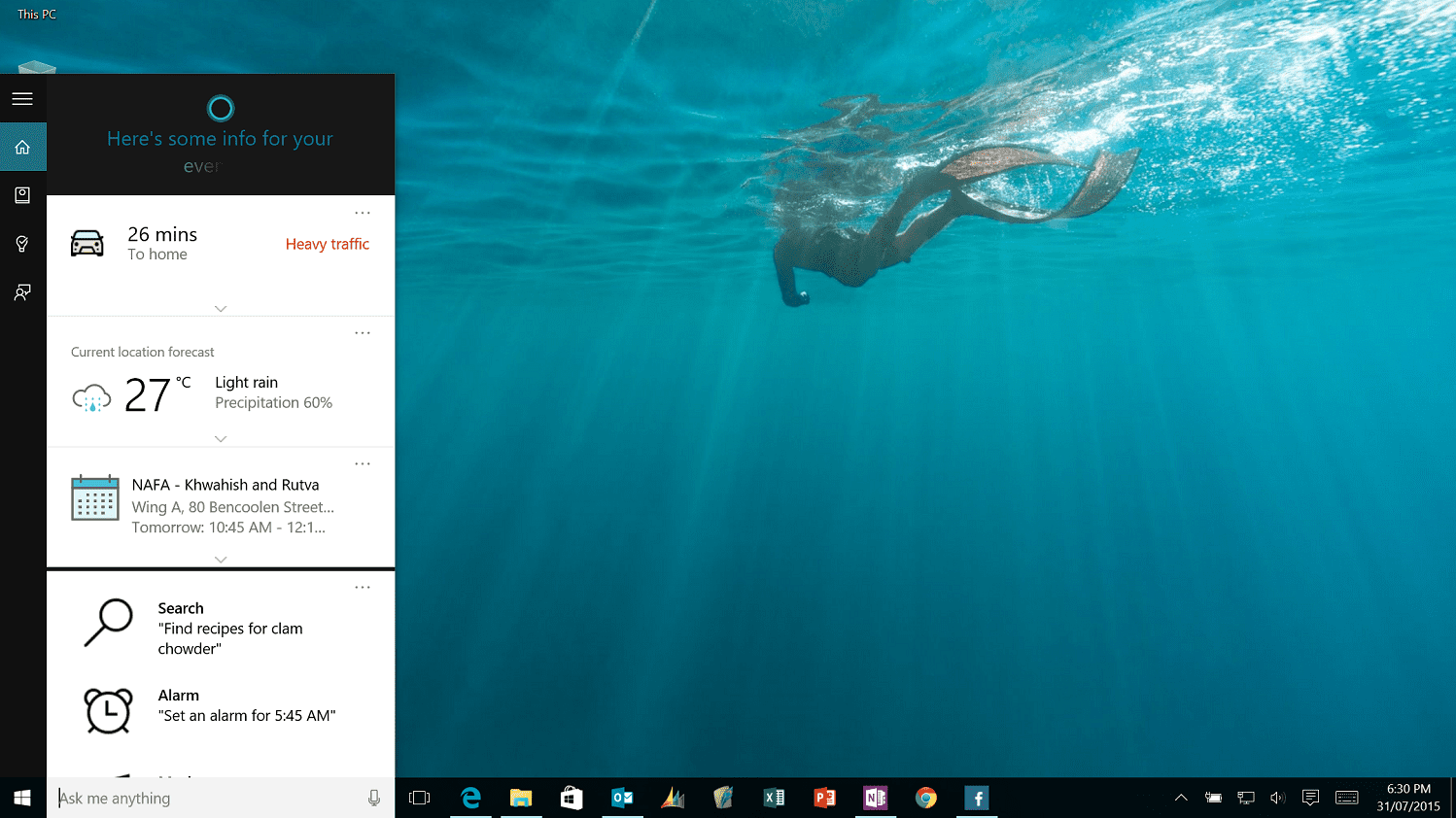
Microsoft’s Cortana is making a jump from Windows Phone to Windows PC. First introduced with Windows Phone 8.1, Cortana is Microsoft’s digital personal assistant and is more than just a search tool. The name derives from the holographic artificial intelligence character in the popular Halo game franchise and the comparison between the two is more than skin deep.
Cortana is more than just a search engine with some flair, for instance, here are few things the assistant can perform:
[smartslider2 slider=”11″]
Many of these are referred to as “Interests” and they are filed under Cortana’s “Notebook”, which lives in the cloud. The language is meant to evoke a secretary working for a boss who must keep notes on your likes, dislikes, and general preferences. Just like a real notebook, users can access it and delete or modify any information they do not wish to share with Cortana.
This control over information and privacy is one of the things that set Cortana part from Google’s services, which are more convoluted for data control.
Cortana’s notebook is linked to your Microsoft Account and floats, meaning whatever Windows 10 machine you log into it has the same Cortana experience. If you already use Cortana on Windows Phone, the same experience passes to Cortana on the desktop and vice versa.
What makes Cortana exciting is the utilization of ‘Hey Cortana’ an always-on optional system by which a user can verbally call for the assistant using a desktop microphone (or a laptop’s built in one). It uses natural speech, so you do not need to memorize commands like in the past. If users prefer, they can also bring up Cortana with a Win + C keyboard command for a quick search. It is an efficient system but if you have numerous Windows 10 devices around saying ‘Hey Cortana’ could cause a small ruckus. I a sure that can be easily managed:)
Check out below CNET Tutorial on How to Setup Cortana on your new, shiny, Windows 10 PC.
- #Setup Cortana in Windows 10
Found this useful? Share it.
Related reading
Tips & Tricks2 min read
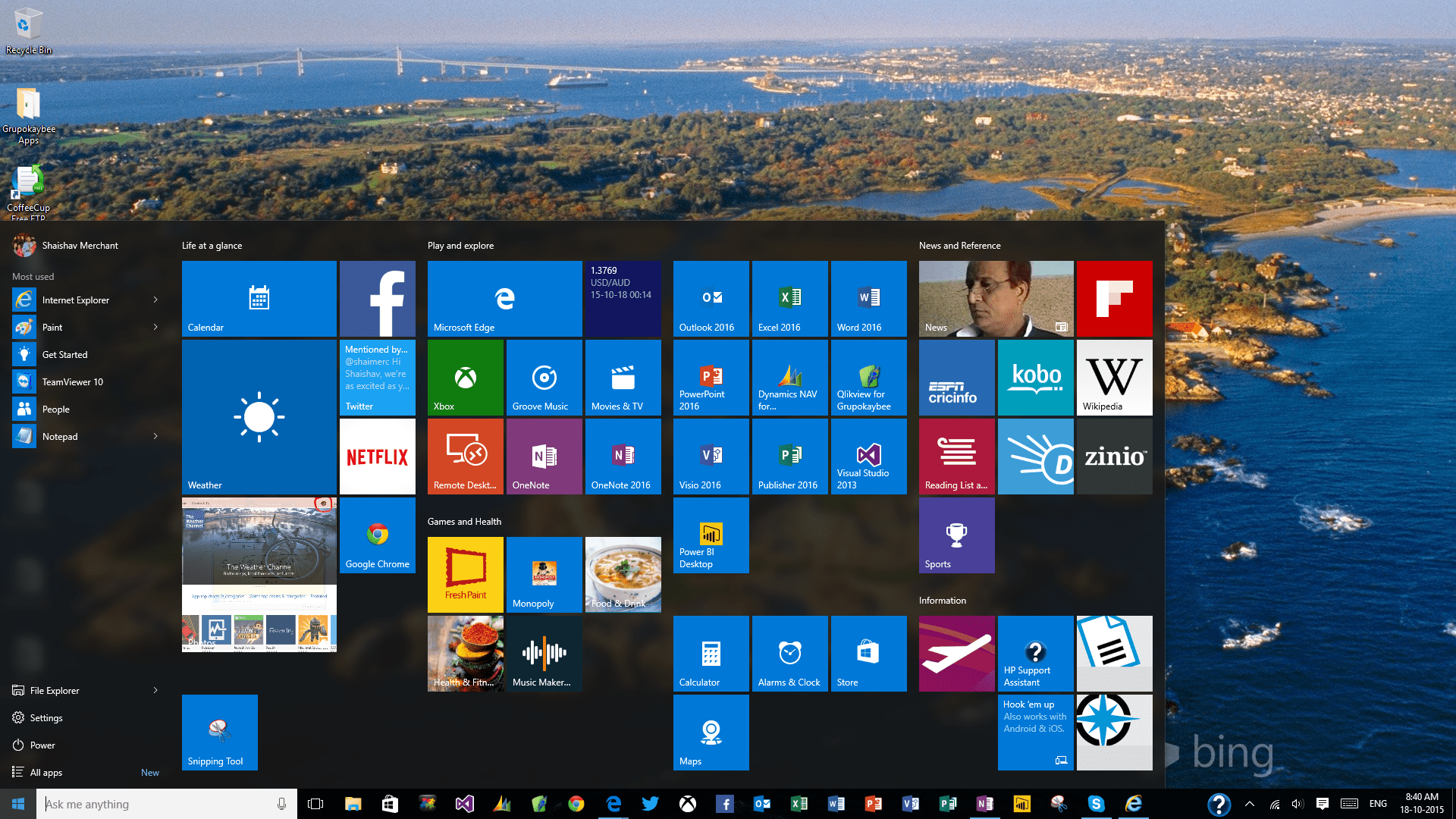
Windows 10 Tips – Start Menu – Tour and Customization
Start Menu is one of the highly applauded feature of Windows 10. Start menu which dates 20 years back to Windows…

Android1 min read
How to Prevent a Folder From Being Included in the Gallery App in Android
In an effort to ensure that all the media files on your Android device are available in the Gallery app for you…
Learning2 min read
The best way to completely wipe your Android device
If you’re at your wit’s end with your phone, screaming at it when it takes 10 minutes to start an…