Learning
Erase all content and settings on your iPhone, iPad, iPod touch, or Apple Watch
Buying a new iPhone or changing to Android or Windows Phone, do not forget to wipe your existing iPhone or…
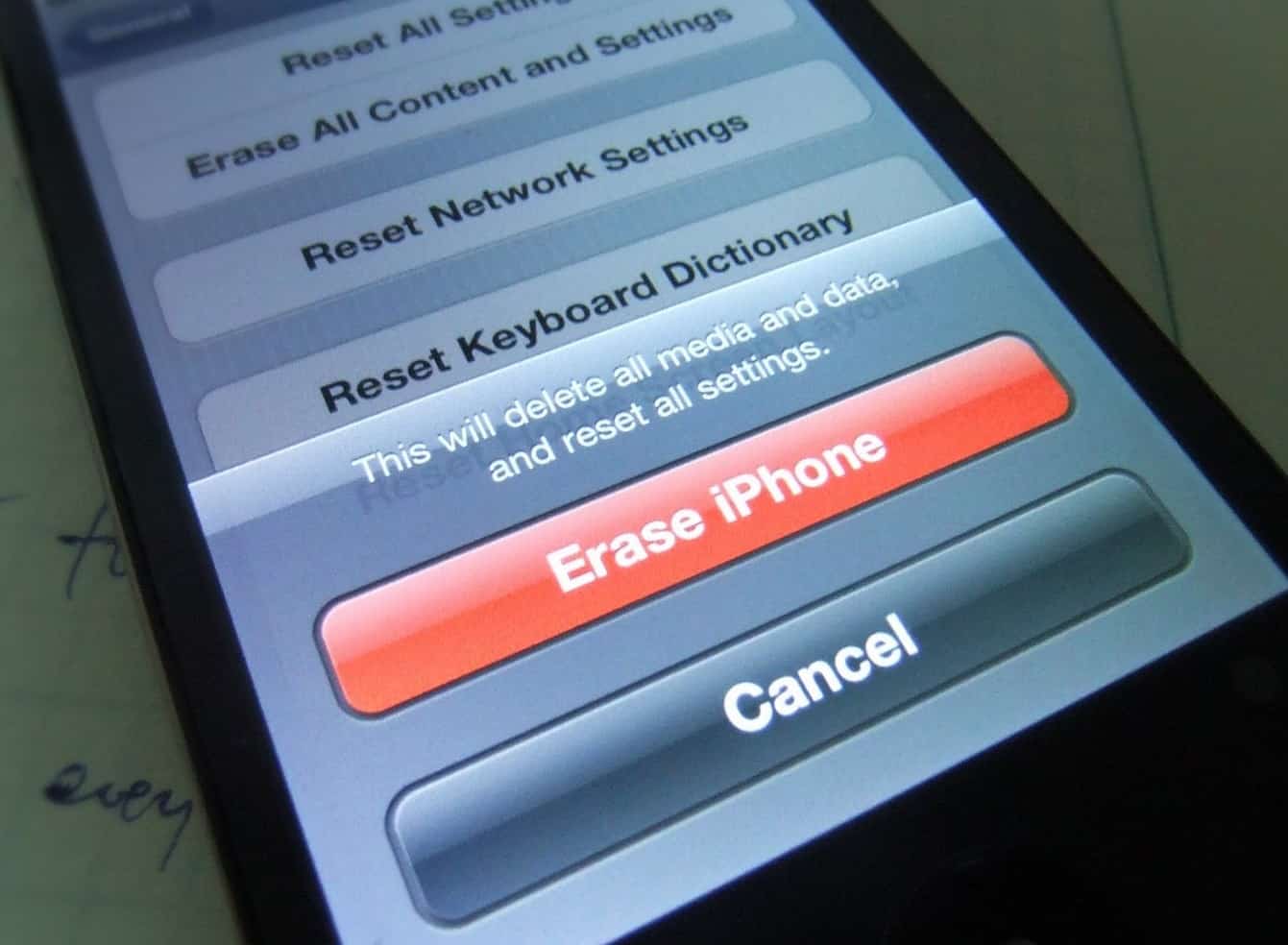
Buying a new iPhone or changing to Android or Windows Phone, do not forget to wipe your existing iPhone or iPad the Right way.
You can use the steps below to restore your device to factory settings and remove all settings and information. Depending on your device, it can take a few minutes to completely erase your data.
You might need to enter your passcode and Apple ID password before you erase all content and settings.
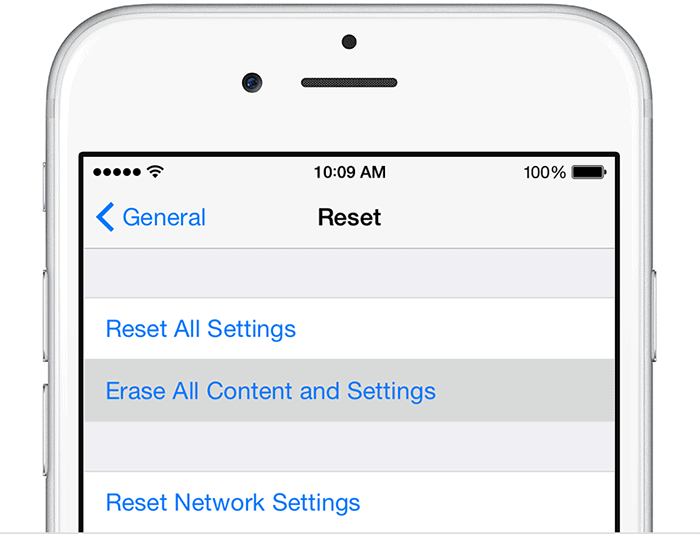
To erase your iPhone, iPad, or iPod touch, tap Settings > General > Reset > Erase All Content and Settings.
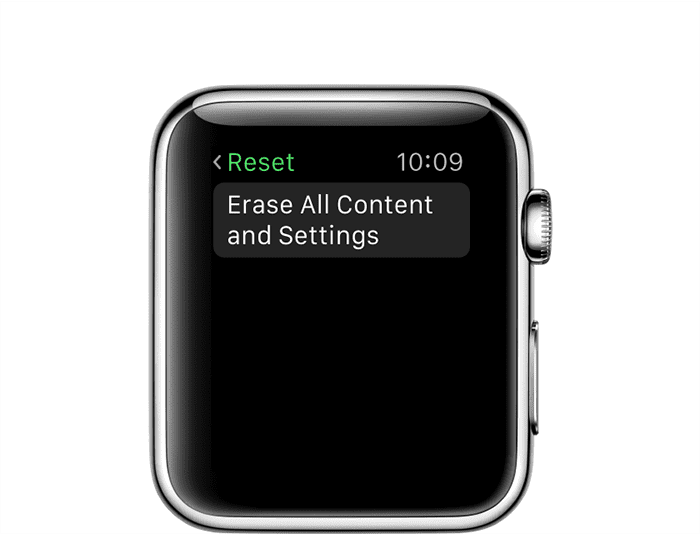
To erase your Apple Watch, tap Settings > General > Reset > Erase All Content and Settings.
- #Apple Watch
- #Erase all content and settings on your iPhone
- #Erase content
- #iPad
- #IPhone
- #iPod touch
- #or Apple Watch
Found this useful? Share it.
Related reading
General3 min read
Secret of Staying Safe on Internet
Pandemic has shifted work from Desk to Desktop. Most SMEs are unable to provide a secure environment for employees working from home. Re-publishing this article to spread awareness on online threats and how to counter them.

General1 min read
Tips for Working from Home
1. Dress Up This is a crucial tip. It is tempting to stay in your pyjamas, but study says a…

General1 min read
Combat WFH Paranoia
Singapore has recently announced heightened measure to prevent spread of the virus. Same is the case in many countries including India and Brazil.