Reviews
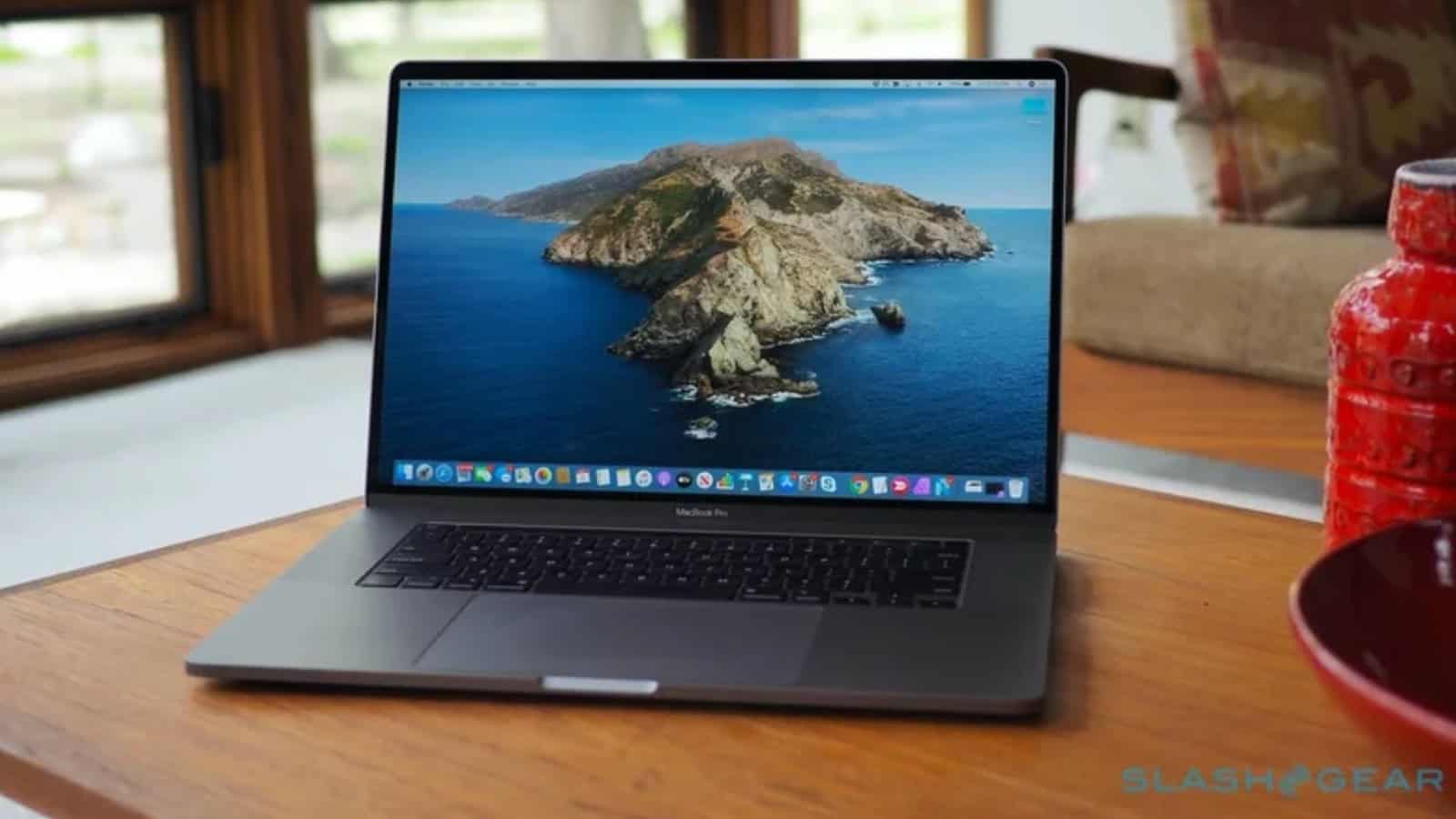
MacBook Pro M4 Pro 16: 30 Days Later
Was Buying Refurbished a Smart Decision? Having spent decades working with Windows, moving to a MacBook Pro was already an…
Our verdict
MacBook Pro M4 Pro 16"
S$3,699
- Performance & Processing Power9.2/10
- Local AI Capabilities8.7/10
- Display & Build Quality9.6/10
- Battery Life & Portability8.5/10
- Storage & Expandability7.4/10
Pros
- Excellent performance for Lightroom and video editing.
- 48GB unified memory is valuable for local AI experimentation.
- Outstanding Liquid Retina XDR display.
- Impressive battery life, quiet operation and premium build quality.
- Refurbished pricing offers an attractive alternative to buying new.
Cons
- 512GB internal storage is restrictive.
- Heavy compared with smaller laptops.
- Memory and internal storage cannot be upgraded.
- Larger AI models and complex video projects can challenge the GPU.
- Some Windows applications remain unavailable natively on macOS.
Was Buying Refurbished a Smart Decision?
Having spent decades working with Windows, moving to a MacBook Pro was already an interesting decision. Choosing a refurbished, previous-generation model over Apple’s latest offering was even more deliberate!
I wanted a powerful laptop that could handle my photography, video editing and, most importantly, experiments with local AI models, without breaking the bank.
The arrival of Apple’s M5 Pro created an opportunity. I picked up a refurbished 16-inch MacBook Pro with an M4 Pro chip, 48GB unified memory and 512GB SSD for S$3,699 (including GST).
After 30 days, I am quite pleased with that decision.
Performance: More than enough for my needs?
My Sony Alpha 1 II produces beautiful 50-megapixel RAW photographs, but processing them in Lightroom Classic can be demanding. The M4 Pro makes working with large images, browsing and editing much more comfortable.
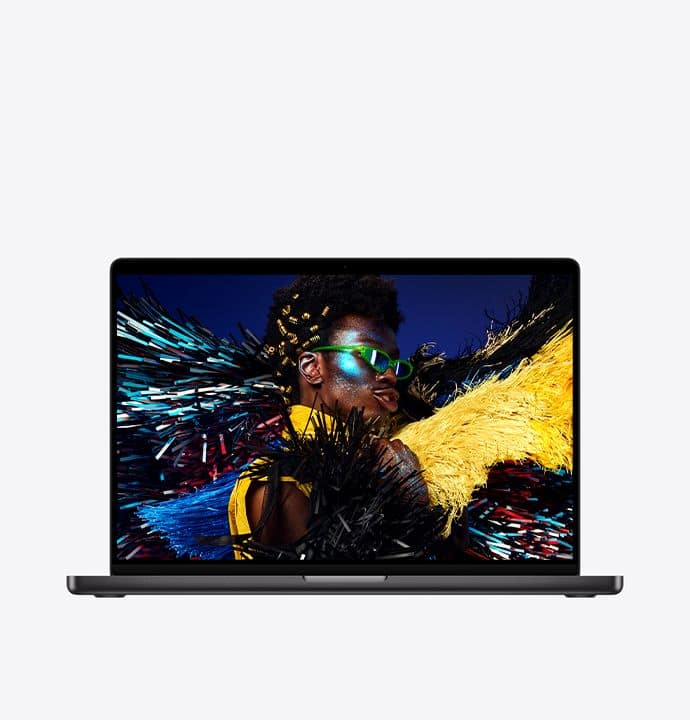
The 16.2-inch Liquid Retina XDR display is another highlight. Its excellent sharpness, colours and contrast make photo editing a pleasure. Although, I must admit, a beautiful screen doesn’t automatically make my photographs any better!
Video editing was another reason for choosing this configuration. Whether using Wondershare Filmora or exploring more advanced editors such as DaVinci Resolve and Adobe Premiere Pro, the M4 Pro has plenty of processing power for my occasional 4K projects. Dedicated video-processing hardware is another advantage.
Independent reviews have also praised its sustained performance, excellent display and impressive battery life. My experience so far has given me little reason to disagree.
Local AI: Why I wanted 48GB RAM
This was perhaps the biggest reason for choosing this particular configuration.
As a technology enthusiast with a keen interest in data science and AI, I wanted to experiment with language models locally, particularly those with around 14B to 30B parameters.
Apple’s unified memory architecture is particularly useful here. The CPU and GPU share the same memory pool, allowing AI models to access substantially more memory than is available on many laptops with dedicated graphics cards.
With 48GB, I can explore a good range of quantised AI models using tools such as Ollama and LM Studio.
Of course, running a 30B model is not quite the same as running it effortlessly. Model compression, memory requirements and response speed all matter. But for learning, experimentation and understanding local AI, this configuration offers an attractive balance.
And unlike cloud AI services, local experiments don’t come with a bill for every request!
A few catches
The most obvious compromise is the 512GB SSD. Between large RAW photographs, video files and AI models, storage disappears rather quickly. Fortunately, my Samsung T7 Shield external SSD helps keep things manageable.
At around 2.1kg, the 16-inch MacBook Pro is also relatively heavy. The larger display is wonderful, but portability isn’t its strongest feature.
Another limitation is the inability to upgrade memory or internal storage after purchase. Choosing the right configuration upfront is important, particularly given Apple’s expensive upgrade options.
Then there is macOS itself. After decades with Windows, some familiar tasks require relearning. And applications such as Power BI Desktop still require Windows, so I haven’t completely abandoned my Microsoft ecosystem.
Finally, while the M4 Pro is powerful, demanding video effects and larger AI models would certainly benefit from the additional GPU performance and memory bandwidth of Apple’s Max-series chips.
So, was buying refurbished worth it?
Absolutely, at least for my requirements.
Instead of spending more on the latest processor, I invested in a configuration with generous unified memory, a beautiful display and enough processing power for my creative and AI-related interests.
For professional video editors or those running very large AI models, an M4 Max or newer Max-series machine might make more sense. But for photographers, occasional video editors and AI enthusiasts, the M4 Pro remains an excellent choice.
Would I buy refurbished again? Certainly, especially when the savings allow me to choose a better configuration. It is worth checking the battery health, warranty and return policy, though.
My verdict: Sometimes the smartest upgrade isn’t buying the latest technology. It’s buying the right technology at the right price!
- #apple
- #M4 Pro
- #MacBook Pro
- #MacOS
Found this useful? Share it.
Related reading
Reviews4 min read
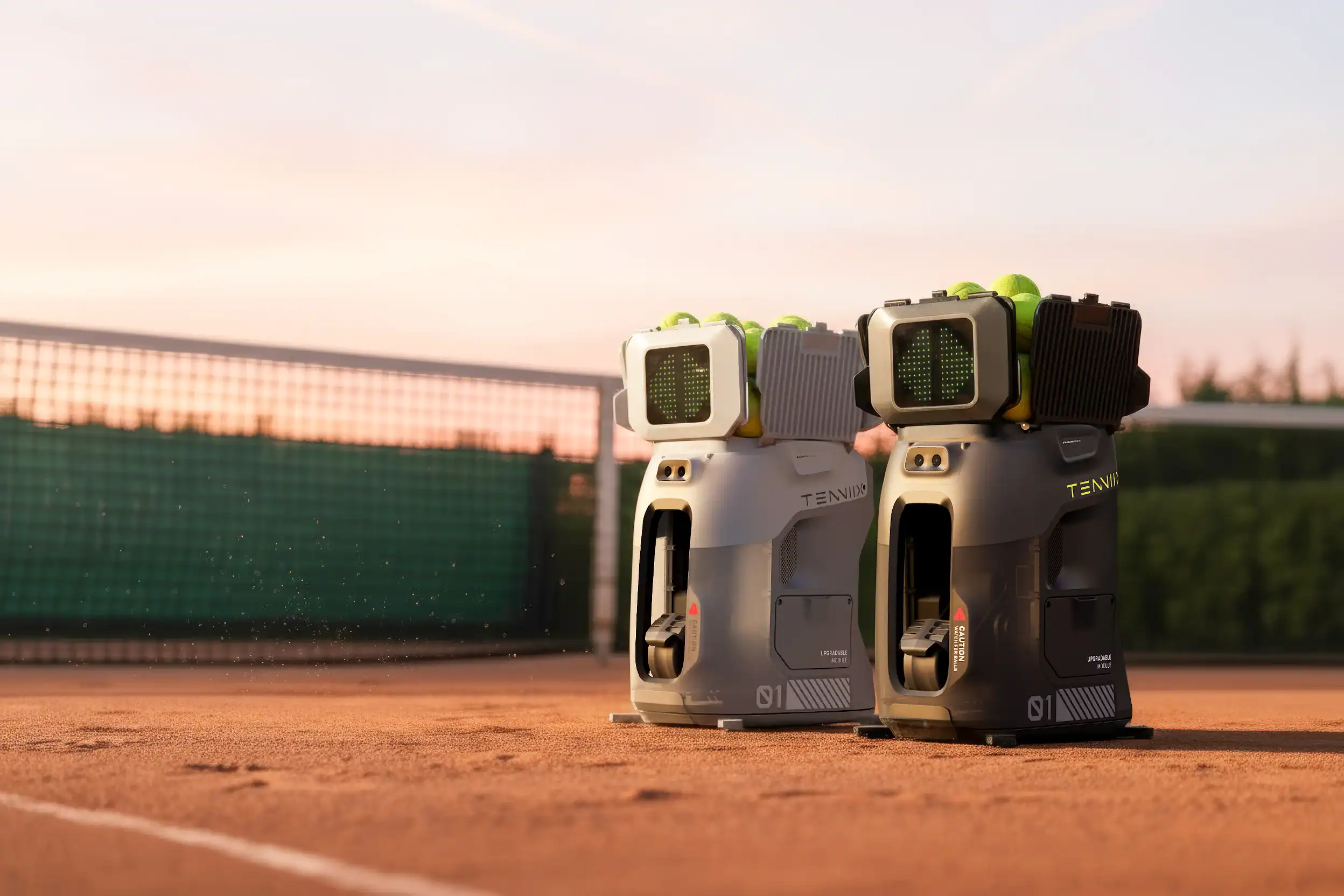
Tenniix Pro
Finally, a Tennis Partner Who Never Cancels! Finding a tennis partner or coach on demand is practically impossible. And in…
7.8/10 score
Reviews2 min read
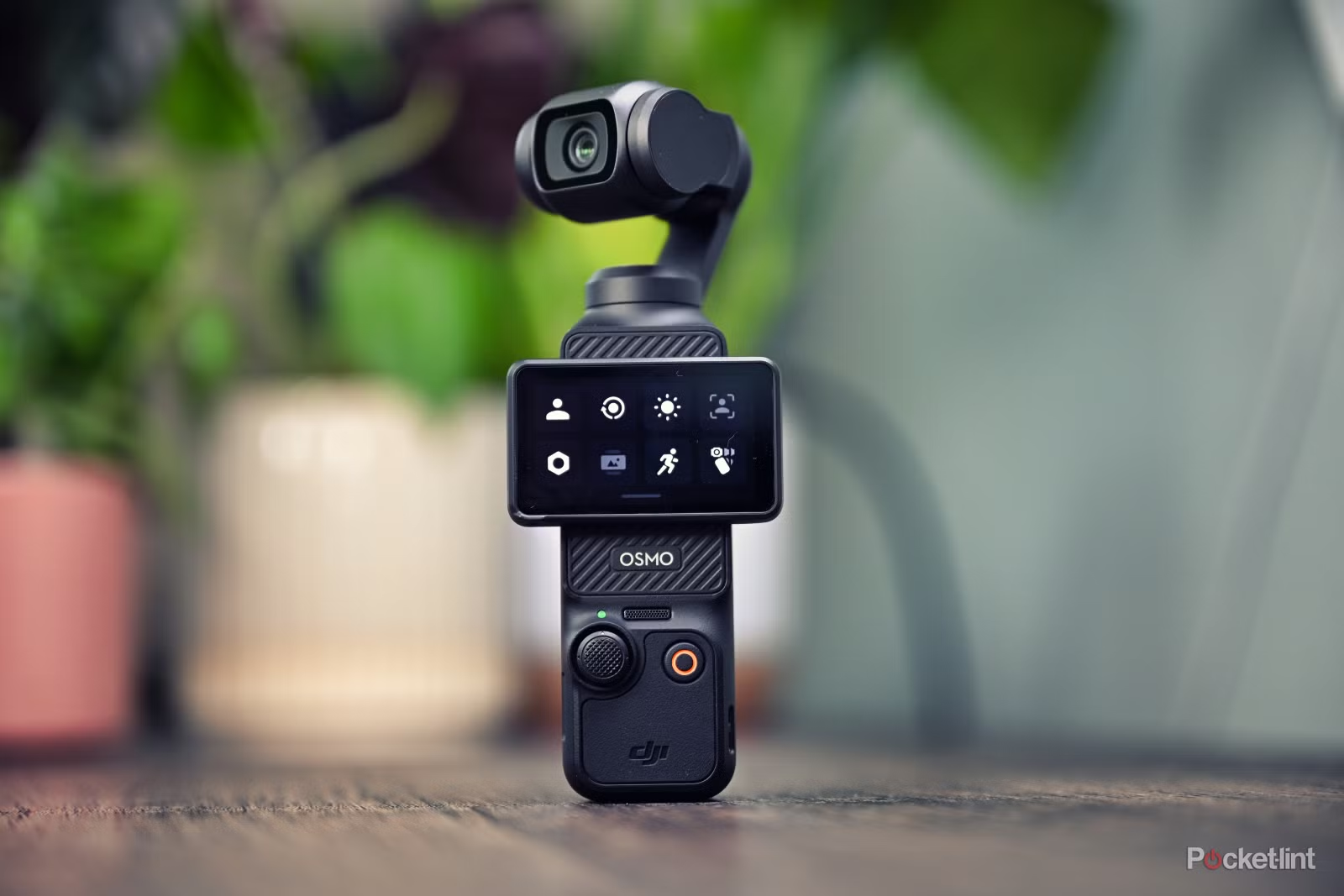
DJI Osmo Pocket 3
Small Camera, Big Surprises! I originally bought the DJI Osmo Pocket 3 for a very specific purpose: recording my talking-head…
8.9/10 score
Reviews2 min read
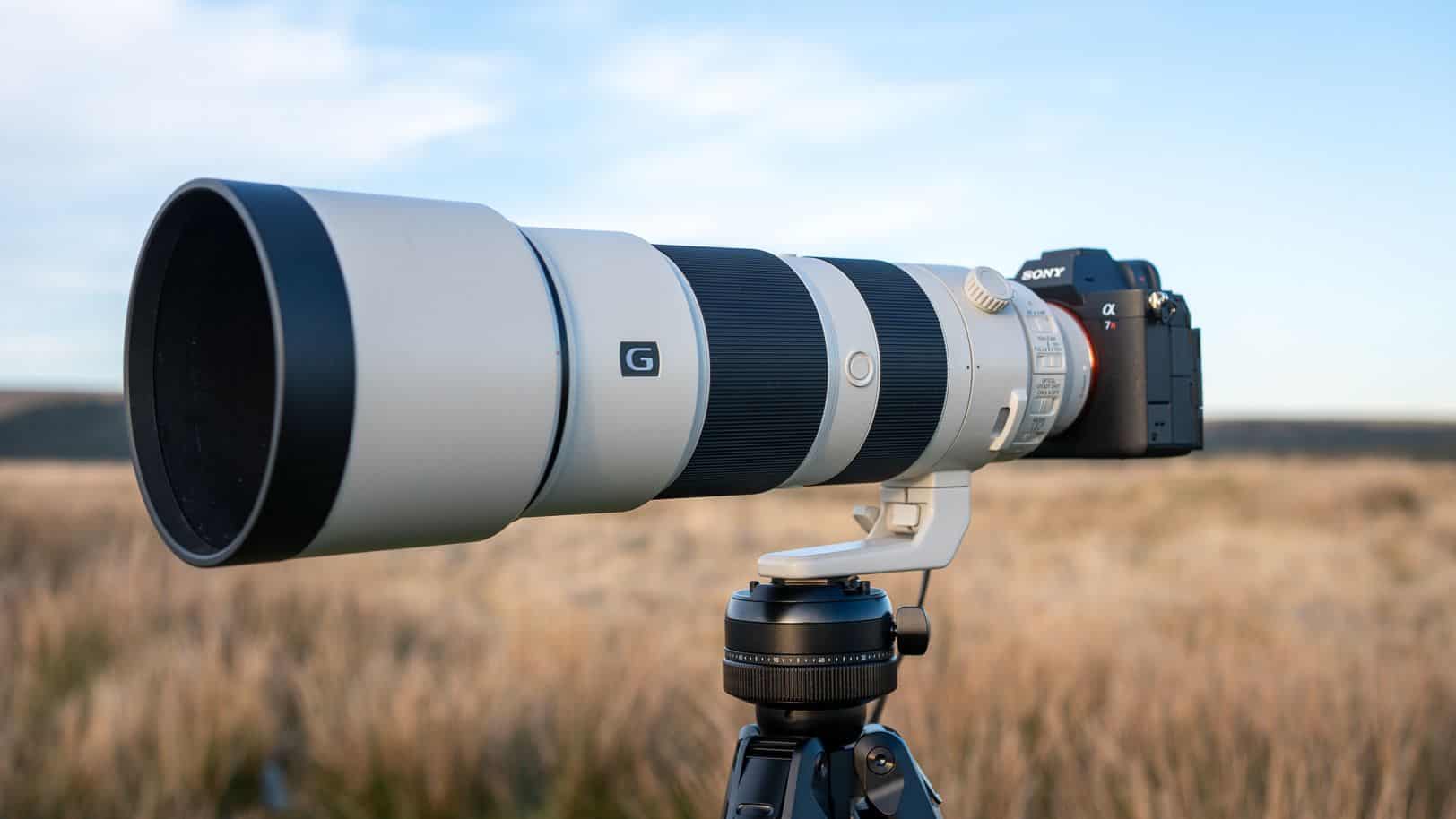
Sony FE 200–600mm G OSS
Still Worth Buying in 2026? Released in 2019, the Sony FE 200–600mm G OSS is certainly not a new lens.…
8.7/10 score